Snap a receipt.
It’s in QuickBooks.
AI reads the vendor, amount, date and line items from any receipt photo, codes it, and posts it straight to QuickBooks Online — no manual entry, ever. iOS, Android, and web.

Three steps to zero data entry
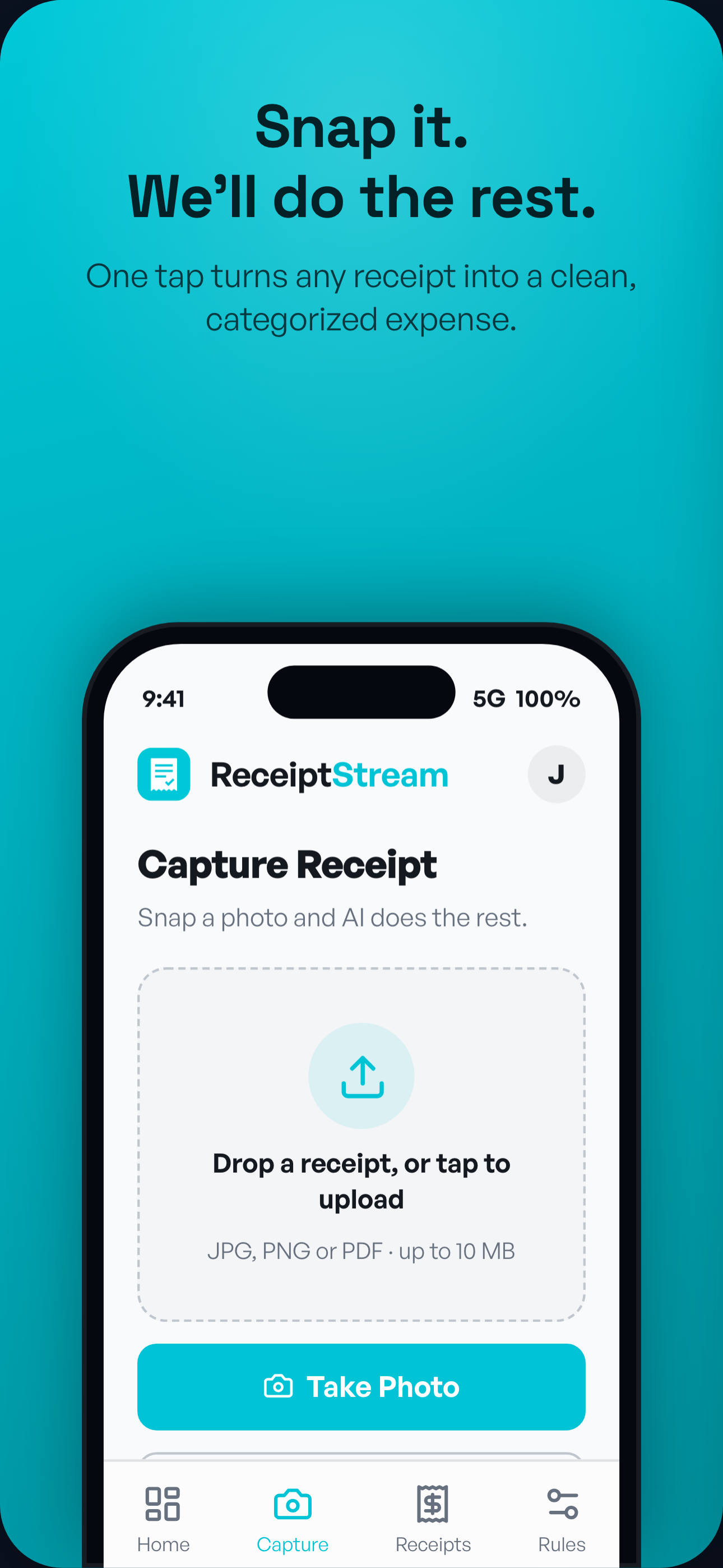
Photo or PDF — phone or desktop, camera or drag-and-drop.
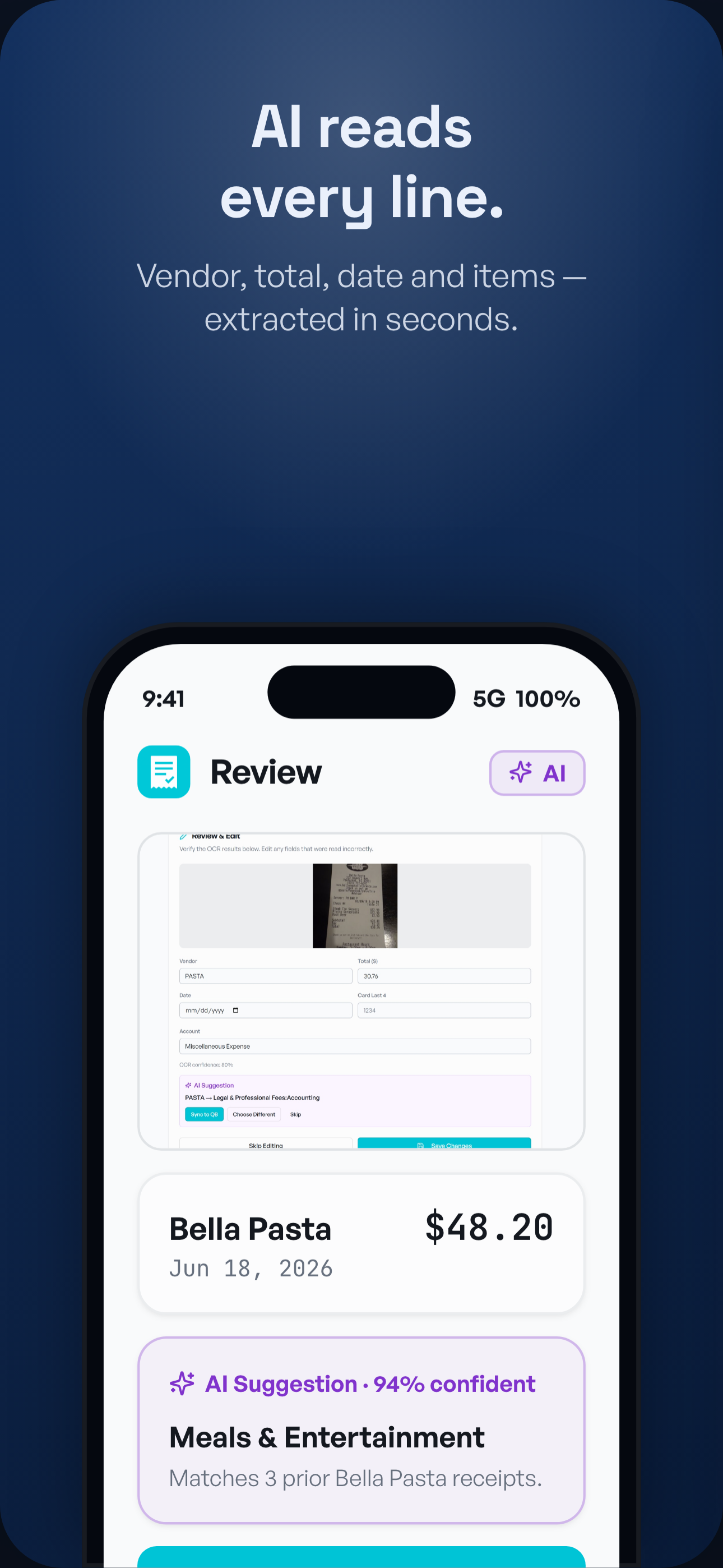
Vendor, total, date and line items — coded to the right account.
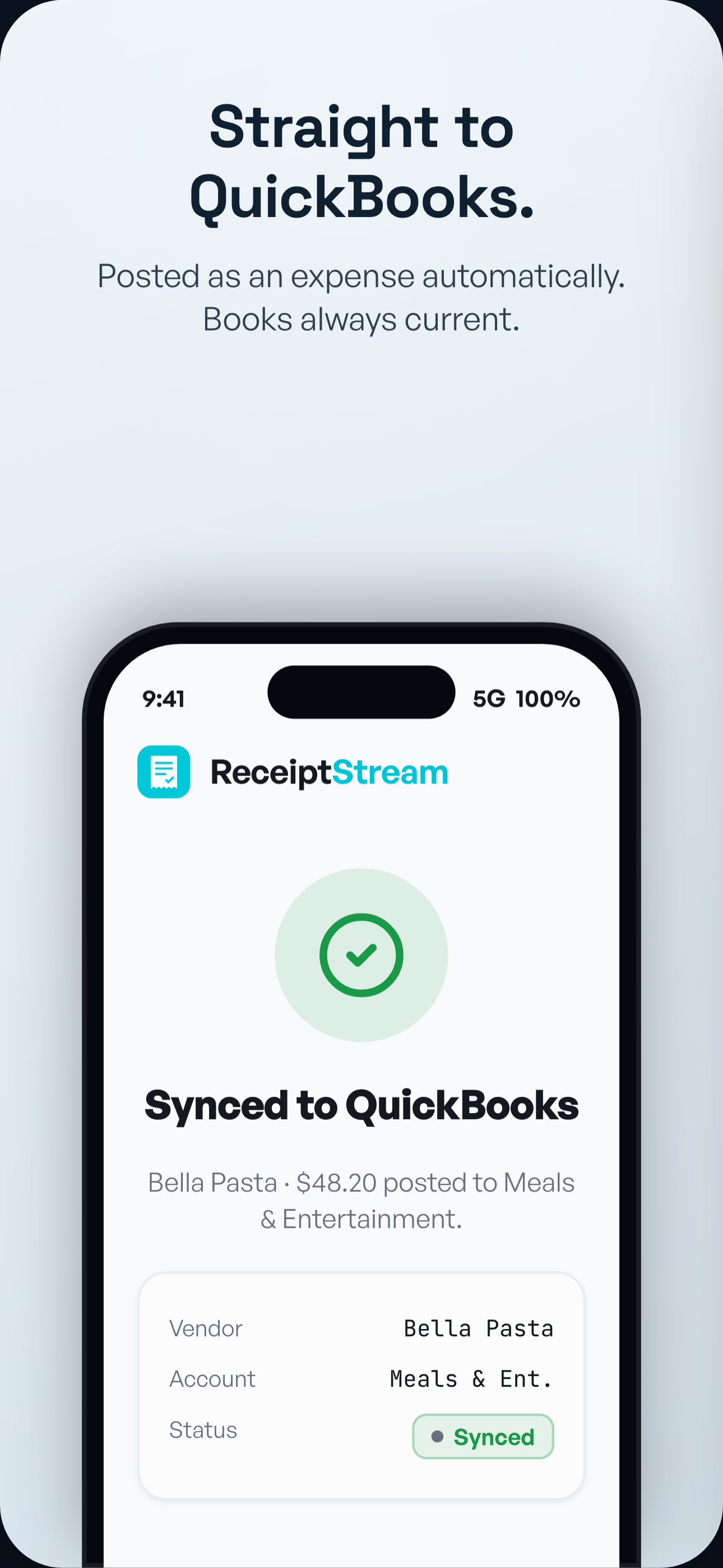
Posted as an expense with the image attached. Books always current.
Every screen, built for speed
Everything your team needs
AI that reads receipts
Vendor, total, date and every line item — pulled from any photo or PDF.
Straight to QuickBooks
Posts a coded expense with the receipt image attached — automatically.
Works everywhere
Native iOS & Android apps and a web app for the desktop — one account.
Never miss a receipt
Bank alerts nudge you the moment a charge still needs its receipt.
Smart categorization
Learns your accounts and codes each expense to the right place.
Audit-ready books
Every expense keeps its original receipt image attached in QuickBooks.
Built on rails you already trust
Live, production integrations — not roadmap promises.
 QuickBooks
 Receipts post as expenses, image attached.
 Plaid
Plaid Bank alerts nudge the missing receipt.

Simple, secure subscription billing.

Google & Apple sign-in, secure push.
Your books, locked down.
Bank-grade encryption and OAuth everywhere — we never see or store your passwords.
Encryption at rest for receipts and data.
Connect QuickBooks & banks without sharing passwords.
Integration tokens encrypted, never in plaintext.
Disconnect any integration anytime.
Free while we’re in private beta
We’re onboarding pilot teams by invite. Request access to join — simple, transparent pricing at public launch.
- Unlimited AI receipt capture
- QuickBooks Online sync
- iOS, Android & web apps
- Bank-alert reminders
Questions, answered
How does ReceiptStream work?
Snap a photo or upload a PDF. Our AI reads the vendor, amount, date and line items, codes the expense, and posts it to QuickBooks Online with the image attached — no manual entry.
What does it connect to?
QuickBooks Online for posting expenses, Plaid for bank-alert nudges, and Stripe for billing. Sign in with Google or Apple.
Is my data secure?
Yes — AES-256 encryption at rest, OAuth 2.0 (we never see your passwords), and encrypted integration tokens.
Is there a mobile app?
Native iOS and Android apps, plus a web app that works in any browser.
What does it cost?
ReceiptStream is in private beta — request an invite to join the pilot. Simple, transparent pricing at public launch.